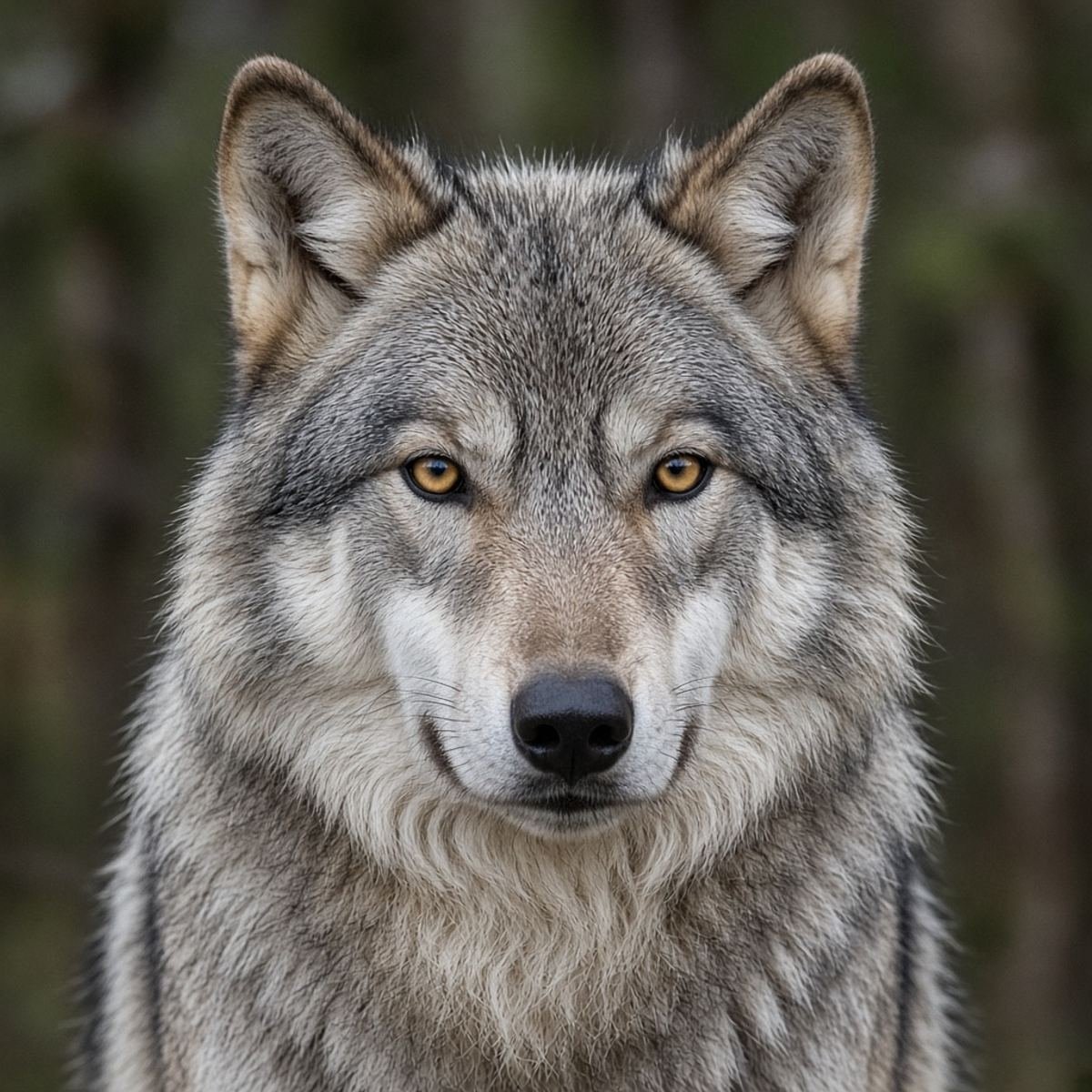
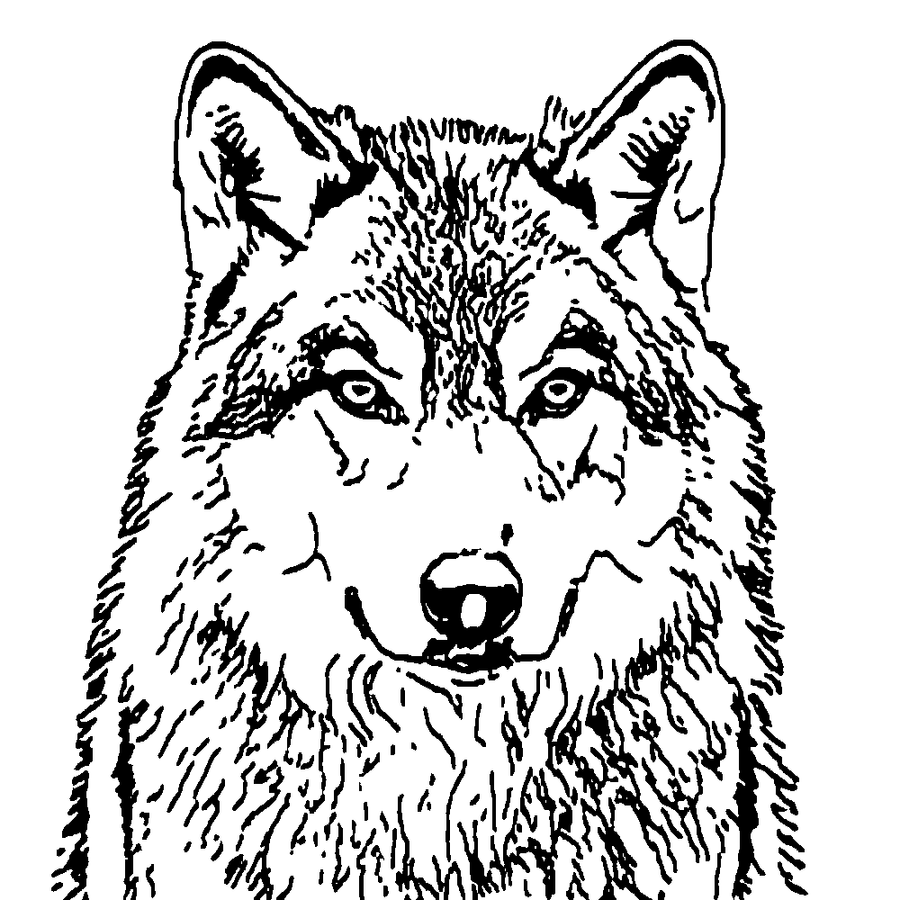
Three kinds of picture, three different results
A camera photo of a person or an animal has tone. Photo Tattoo Stencil runs a line model on that kind of file and keeps the darker strokes in Outline, or more of the interior in Standard. A wolf face is a fair test: you should see eyes and a nose, not only a silhouette. If those are missing, the picture was too soft or the crop included too much background.
A photo of a drawing, or a sketch on paper, is already lines. The tool cleans marks instead of inventing a second outline around every stroke. Specks from the paper are the usual leftovers. A screenshot is the worst of the three, because the compression and the interface around the image both become contrast. Crop the interface off before you blame the tracer.
What to do with the file they actually sent
- Save the original if you can. A re-save from a chat is blurrier than the camera roll.
- Crop to the tattoo. One subject. Straighten a tilted head.
- Run Outline. Check the features a client will look for first: eyes, mouth, flower center, the hook of a beak.
- Add Standard only if a specific interior line is missing.
- Set thickness for the printer, not for how sharp the phone screen looks.
- Mirror when the sheet will flip. Read any word on the print.
- Type the width they agreed, download the PDF, print at 100 percent, measure.
That order is the whole product. An image converter that stops at a gray PNG still leaves you to guess the size and the printer. The stencil guide is the long version. Subject notes such as wolf and koi say what to delete after the trace.
What this will not turn a picture into
It will not produce shading, color, or a healed-tattoo preview. It will not clear a busy street the way a person with a lasso would. Background removal only helps when one flat color touches the edges. It will not fix a picture you do not have rights to use. If the picture is another artist flash or a celebrity photo, the rights problem remains after a perfect trace.
If the lines come out broken, do not keep raising detail until the background joins the subject. Thicken the important gap, or draw that inch. Fine work fails first. The fine line tips are blunt about test scraps.
Questions
Can I turn a photo into a tattoo stencil on my phone?
Yes. Open Photo Tattoo Stencil in the phone browser, add a JPG, PNG, or WEBP, and press Make stencil. HEIC files often need to be exported as JPG first. The trace runs on the phone. The picture is not uploaded.
What is the difference between an image converter and this?
A generic converter often leaves gray edges and every shadow. This tool forces black or white, which is what a thermal stencil printer can use, and it gives you a PDF at a width you set.
Will a screenshot from a chat work?
It will trace, including the chat chrome if you leave it in the crop. Crop to the picture first. A screenshot is also more compressed than the original photo, so eyes and small lettering suffer.
Does the picture have to be a tattoo already?
No. A client photo, a sketch, or a simple object photo can be the reference. You still decide what is tattooable. The tool does not check rights and it does not invent a cleaner drawing than the file contains.