Guide
Fine line tattoo stencil tips
Fine line fails in the stencil long before it fails in the needle. The phone makes every stroke look crisp. The thermal unit and the transfer do not.
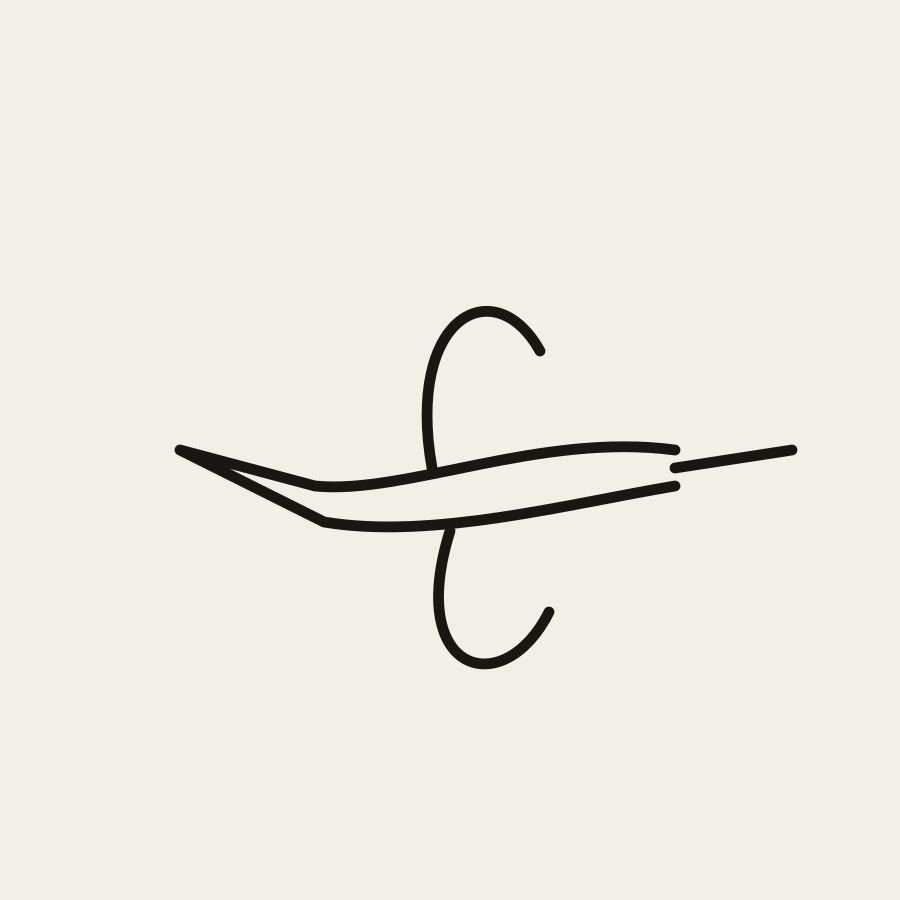
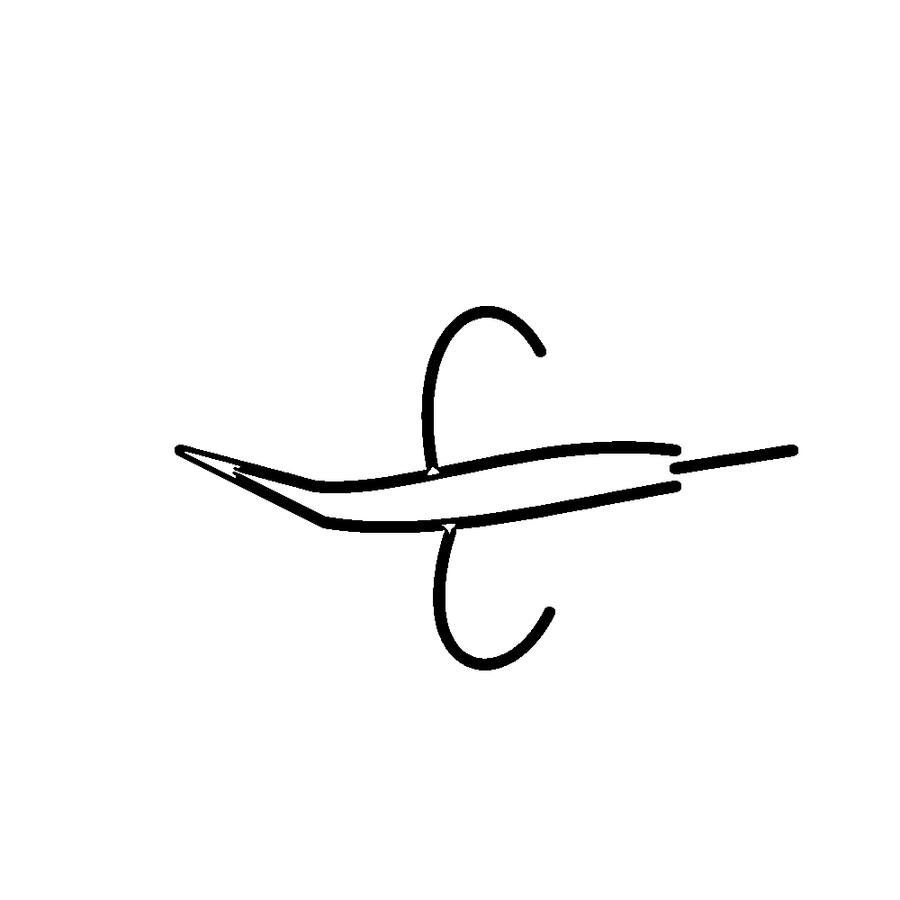
A small bird is a fair fine-line problem: a long beak, a tiny body, wings that must stay separate. If any of those break on a scrap print, thicken them or redraw them before the client is on the bed.
The stencil is allowed to be ruder than the tattoo
You can tattoo a finer line than the one on the paper. You cannot tattoo a line the printer skipped. Tell the client that in the consult, in those words, if they are asking for hairlines copied off a bright screen. Photo Tattoo Stencil will draw a thin stroke if you park the thickness slider low. That is not a promise the stroke will transfer. The promise is only that the file is black on white, at a width you typed, made in the browser without uploading their photo.
Start with fewer lines
Outline mode is the fine-line friend. It keeps the stronger strokes and drops the grain that Standard would keep. A fine line piece with every pore and every hair traced is not fine. It is muddy at a distance and broken up close. On a face, you want the lid, the nose, the lip edge. On a flower, the petal rim. On a script piece, letters you redrew, not a font the tracer warped. The outline generator is the same tool with that choice in the title.
Detail turned to the maximum on a soft selfie adds shadow edges. Those edges compete with the line you meant to be delicate. If the stencil looks busy, you are not looking at a fine line stencil yet. Crop tighter, lower detail, and run it again. Motif notes for hummingbird and feather are the same warning in fewer paragraphs.
The scrap print is the appointment
Set the width in inches or centimetres to the size on the skin, not to a convenient sheet. Print at 100 percent on the thermal setup you will use that day, or on the inkjet sheet you actually transfer, if that is your process. Look at the beak, the serif, the gap in a circle. If it broke, the tattoo would have broken. Thicken that stroke or redraw it. Do not solve a broken jawline by raising detail until the background appears.
Measure the whole print with a ruler. Fine line clients notice a quarter inch more than a traditional piece does, because the design has less body to hide a size error. Fit to page in the driver is the usual thief. The how-to guide walks the same check for any style. The printer guide explains why we will not blame a specific model without having measured it.
Mirror, letters, and single strokes
A one-line botanical or a short word is where mirror mistakes show. Turn mirror on only if the transfer flips. Read the word on the paper. A single flowing line that crosses itself needs a gap plan: where the needle lifts, the stencil should already have a readable break, not a blob where two hairlines fused. Thickness too high fuses them. Thickness too low drops one of them. The scrap tells you which mistake you made.
If the reference is a Procreate drawing, export the line layer alone before you judge the weight. A painting under the lines will trace as extra edges and you will think the fine line failed. The Procreate guide is that export. There is still no plugin. The PNG goes into the browser like any other picture, and it stays on the device.
When to refuse the photo
- The source is a screenshot, and the line they want is smaller than the compression blocks.
- The portrait is soft and they want single-hair strokes. Draw those hairs. Do not trace the noise.
- They want the stencil as thin as a reference photo of a healed tattoo. Healed photos are the wrong master.
- You cannot print a test because the thermal roll is gone. Do not guess. See the no-paper guide and consider rebooking.
Fine line is a drawing problem that happens to pass through a stencil. Photo Tattoo Stencil can give you a private, sized, black file on a phone in the room. It cannot give you a printer that holds a hairline, and it will not pretend the slider is that printer.
Questions
Should the stencil be as thin as the needle?
No. The stencil has to survive the printer and the transfer. The needle can be finer than the map. If the map never lands, the needle has nothing to follow.
Will Outline mode make fine line automatically?
Outline makes a sparser drawing. The thickness slider and your printer decide whether the line is fine enough to fail. Print a test. Photo Tattoo Stencil does not know your machine.
The lines look perfect on my phone. Are they?
Not yet. Screen glow hides breaks. Print at the appointment size, on the real process, before you promise the client those lines.